

The private disposable camera for your event
See the night through everyone's eyes.
Guests scan one QR code, shoot a limited roll in their browser and put their phones away. You open the album when the time is right.
Free to try · No app · No account
Example album
The photos nobody thought to take.
No feed, no pressure to post. Just the honest fragments of the night, from every seat in the room, in the film look you pick for the event.






Example photos, not a customer's event. Each look is a preview of the camera's film treatment.
How it works
Three steps, one evening.
Create your event
Pick the date, how many guests and how many shots each. Choose a film look and when the album opens. It takes a few minutes.
Share one QR code
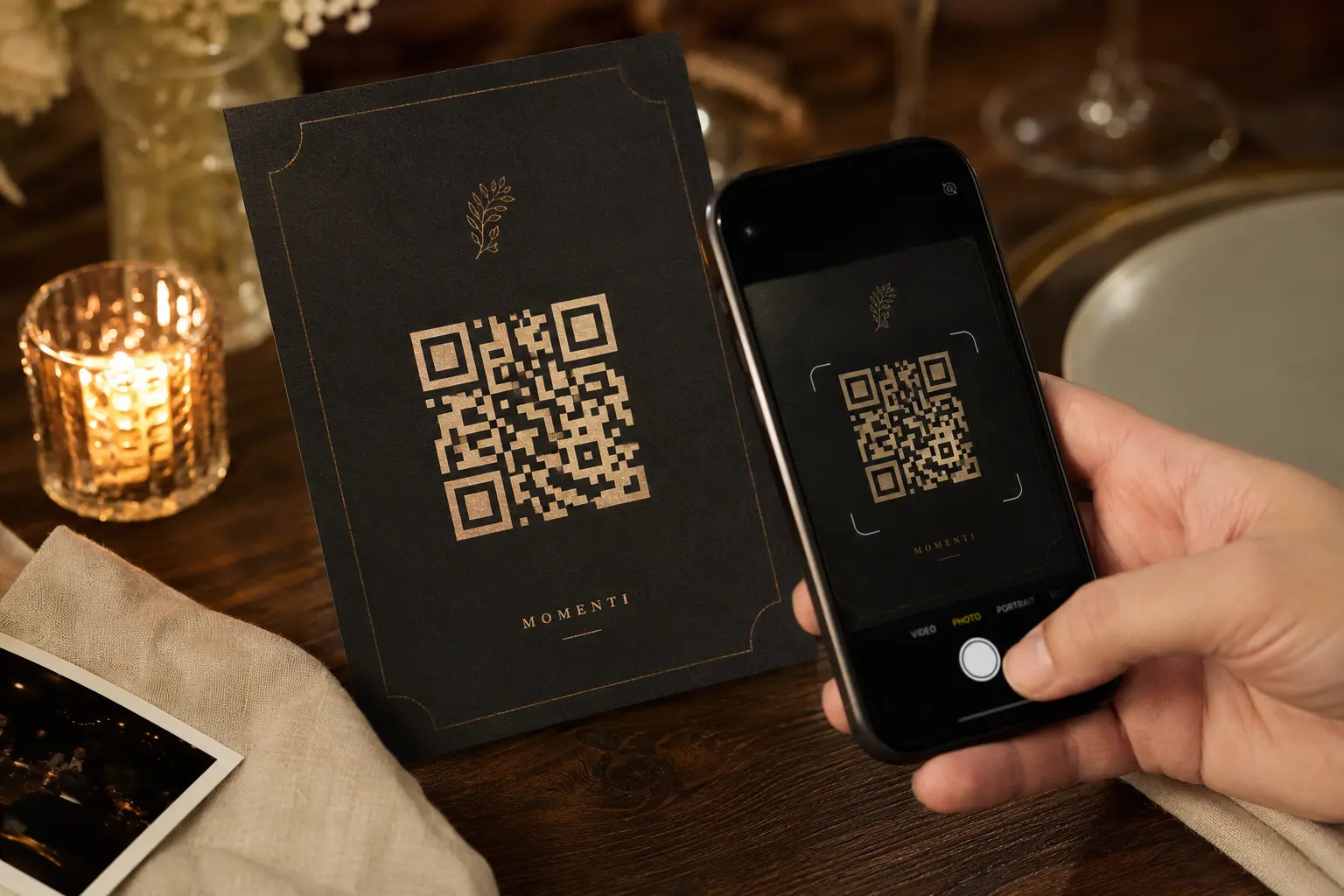
Print it for the tables or drop the link in the group chat. Guests open the camera in their browser: no app, no account.
Open the album
Photos stay out of sight until the moment you chose. Then everyone gets the whole night at once.
One event, one price
Pay once. Guests never pay.
€2.50 + €0.30 per guest, incl. VAT.
Up to 16 shots per guest is included. Every event gets all three film looks, the reveal you choose, photo moderation and full-quality downloads.
- No subscription and no guest accounts
- Full refund until your first guest joins.
- 90 days to save the complete album
- Base price€2.50
- 100 guests × €0.30€30.00
Up to 16 shots per guest is included. More than 16 adds €0.50 per guest (+€50.00 for 100 guests).
Create with these choicesMore people coming than planned? Add guests from your event page later and pay only the difference.
For the host
You stay in control.
- Choose the revealDuring the event, when the camera closes, the next morning or a time you set.
- Decide who sees whatOne shared album, each guest's own photos only, or everything kept for you.
- Hide or remove any photoHide, restore, favourite or remove photos from your event page.
- Close the camera yourselfEnd the roll when the party ends, or let it close on schedule.
- Keep everythingDownload the full-quality album as one file. Photos are stored for 90 days.
- Add guests laterMore people than planned? Add places and pay only the difference.
Good to know
Questions, answered
Do guests need an app or an account?
No. The invitation and camera open in Safari, Chrome or another modern phone browser. Guests type a name and start shooting: no download, no account, no password. An email is optional and only used to tell a guest when the album is ready.
Can guests use a code instead of scanning?
Yes. Every event has a private event code, printed under the QR, for guests who cannot scan it.
When do photos become visible?
The host chooses the reveal timing. It can happen during the event, after the camera closes, the next morning or at a custom time.
Can the host remove photos?
Yes. Hosts can hide, restore, favourite or remove submitted photos from the event page.
What happens with weak venue Wi-Fi?
Photos wait safely on the guest's phone and keep uploading when the connection returns. The camera shows anything still waiting.
How long are photos stored?
Event photos are stored for 90 days after the event date, then permanently deleted. Hosts and guests should save anything they want to keep.
Can guests download their photos?
Yes, when the host enables downloads. Guests can save individual photos or use the phone's share sheet for several images.
What happens to my free demo photo?
Demo photos are not kept the way real event photos are. They are deleted automatically, within a couple of hours, because the demo event is shared by everyone trying Momenti.
The room already has enough cameras
Give them one place to belong.
Create the event, share the QR and wake up to the night from every angle.